
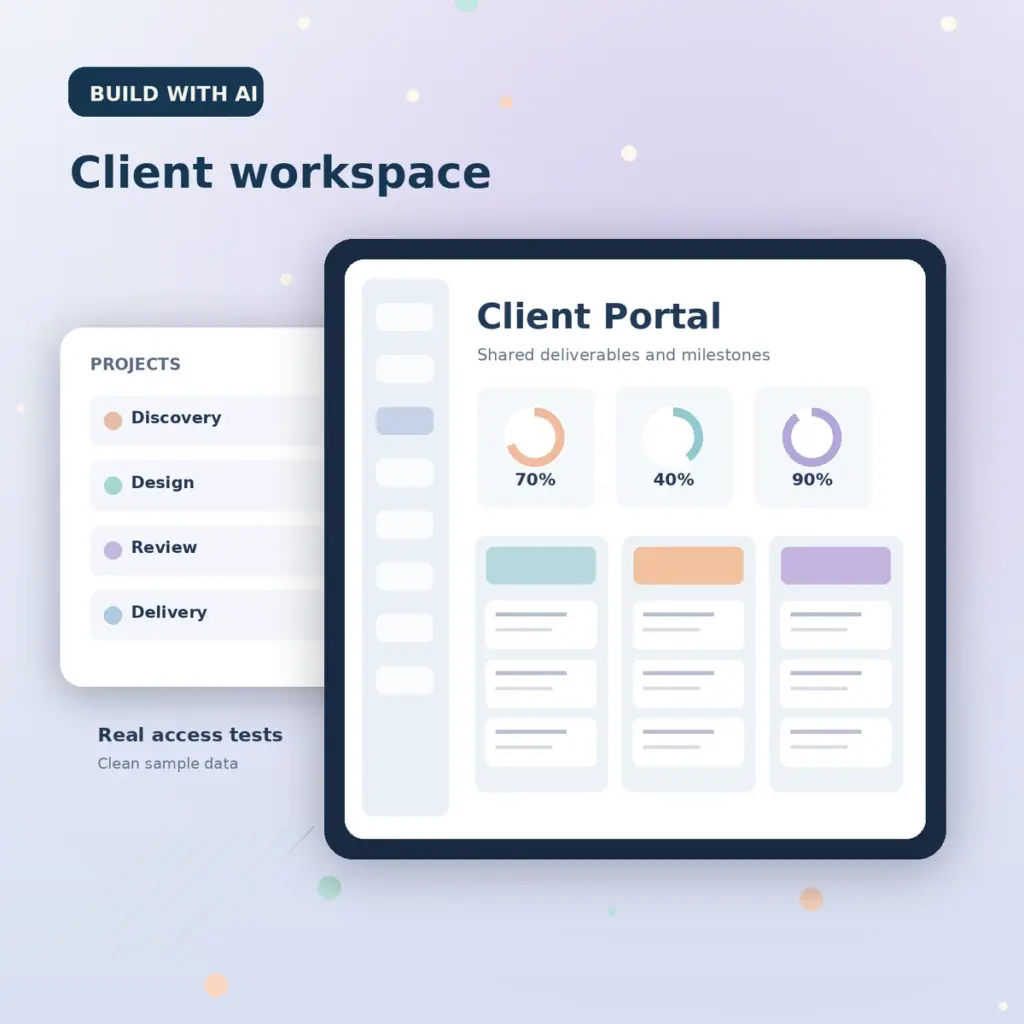



An AI Notion client portal template can organize project milestones, tasks, shared resources and client updates into one workspace. The key product is the actual duplicable Notion system—not the prompt used to describe it. AI can help draft page descriptions, workflows and test cases, but the creator must build and verify databases, permissions and links in the real workspace.
Choose one narrow portal workflow
A freelancer delivering design work may need a homepage, onboarding checklist, asset-request area, milestone tracker, meeting notes and completed-deliverables list. A consultant may instead focus on recurring reports and client decisions. Avoid a giant all-purpose template with unused databases. Name the client role and define the job they need to complete: “see what is due, submit assets, and find approved deliverables.”
Plan the page hierarchy with AI
Create a Notion client-portal blueprint for a freelance designer. Provide a homepage navigation outline, task database properties, milestone statuses, asset request checklist, client handoff instructions, and a permissions test plan. Use fictional content only. Distinguish internal notes from client-visible pages. Do not claim Notion automations or integrations unless those are implemented and tested.
Read the result critically and remove features that cannot be implemented with the target Notion plan or permissions. A well-scoped portal is more useful than a mockup of an imaginary feature.
Make database properties predictable
| Database | Suggested properties | Useful view |
|---|---|---|
| Milestones | Name, due date, status, owner | Timeline or table |
| Tasks | Task, priority, assignee, related milestone | Board grouped by status |
| Deliverables | File name, link, version, approval status | List of approved items |
| Meeting notes | Date, decision, follow-up, participants | Chronological page list |
Use property names with unambiguous meanings. For example, “Approved” should indicate a specific approval action, not merely that a file has been uploaded. Include sample records demonstrating each status, but do not insert private client information into a product template.
Build and link the actual pages
Configure the task database, linked views and navigation in a fresh workspace. Keep content that buyers need inside the page tree or otherwise accessible after duplication. Notion’s official guide to selling templates says sellers should publish a Notion Site with the Duplicate as template option enabled and avoid inaccessible linked content. A screenshot alone does not prove duplication works.
Privacy and permissions are product features
Do not publish a private client document, pre-filled email address, meeting recording or internal fee agreement in a downloadable template. Use fictional names and generic sample files. If the template uses integrations, make clear that buyers need to configure their own accounts and permissions; do not ship connected accounts or tokens. Notion’s Marketplace guidelines emphasize privacy, truthful descriptions and accurate screenshots.
Test from a fresh purchaser’s account
- Open the public listing from a signed-out browser and confirm the description matches the product.
- Duplicate the template into a separate test workspace using a non-admin buyer account.
- Verify subpages, relational properties, buttons and linked views remain usable.
- Confirm there are no hidden seller-only resources or internal client documents.
- Rename projects, add tasks, archive tasks and add a new client without breaking views.
- Check mobile access and instructions for first-time Notion users.
If a component fails after duplication, repair it before publication. Document any Notion plan requirements and any feature that needs manual setup.
A complete example handoff scenario
Imagine a designer has three stages: discovery, concept review and delivery. The sample portal might show a fictitious client record called “Example Studio,” one task requesting a logo brief, one review item waiting for feedback, and a delivered PDF that contains no real customer data. In a new buyer account, duplicate the page and change the project name, assign a task, move a milestone to completed, and remove the example client. Confirm that database relations, rollups and filtering still show the correct records. A successful test means the system performs the workflow you advertise; it does not prove external integrations or paid add-ons work.
Deliver and license the template
Provide the tested duplicate link, a one-page Start Here guide, a product version number and your support policy. For third-party marketplace delivery, recheck how buyer access and Notion’s own Marketplace link behavior interact. Notion describes additional access-locking options for its Marketplace listings, but a seller on another platform should not imply those options automatically protect every external sale.
For an adjacent digital offering, our pricing framework explains how to evaluate support burden and comparable product features. The preview image guide covers honest demonstration screens.
Frequently asked questions
Can I sell a Notion portal with AI-generated text?
AI can help draft instructions, but the template must contain original practical structure and working Notion functionality. Review everything buyers can duplicate.
Can I promise all integrations work?
Only if you have implemented and tested those specific integrations on an appropriate test account. Disclose required setup and additional subscriptions.
What should I put in the sample database?
Use fictional people, projects and files that illustrate typical decisions without exposing customer data.
Production note: This is a workflow tutorial. The sample database structure is illustrative, not a representation of an existing or certified Notion portal.